
Where to place your QR menu code for more scans

A QR menu only works when guests see the code and scan it. Where you place it often decides how many of them do.
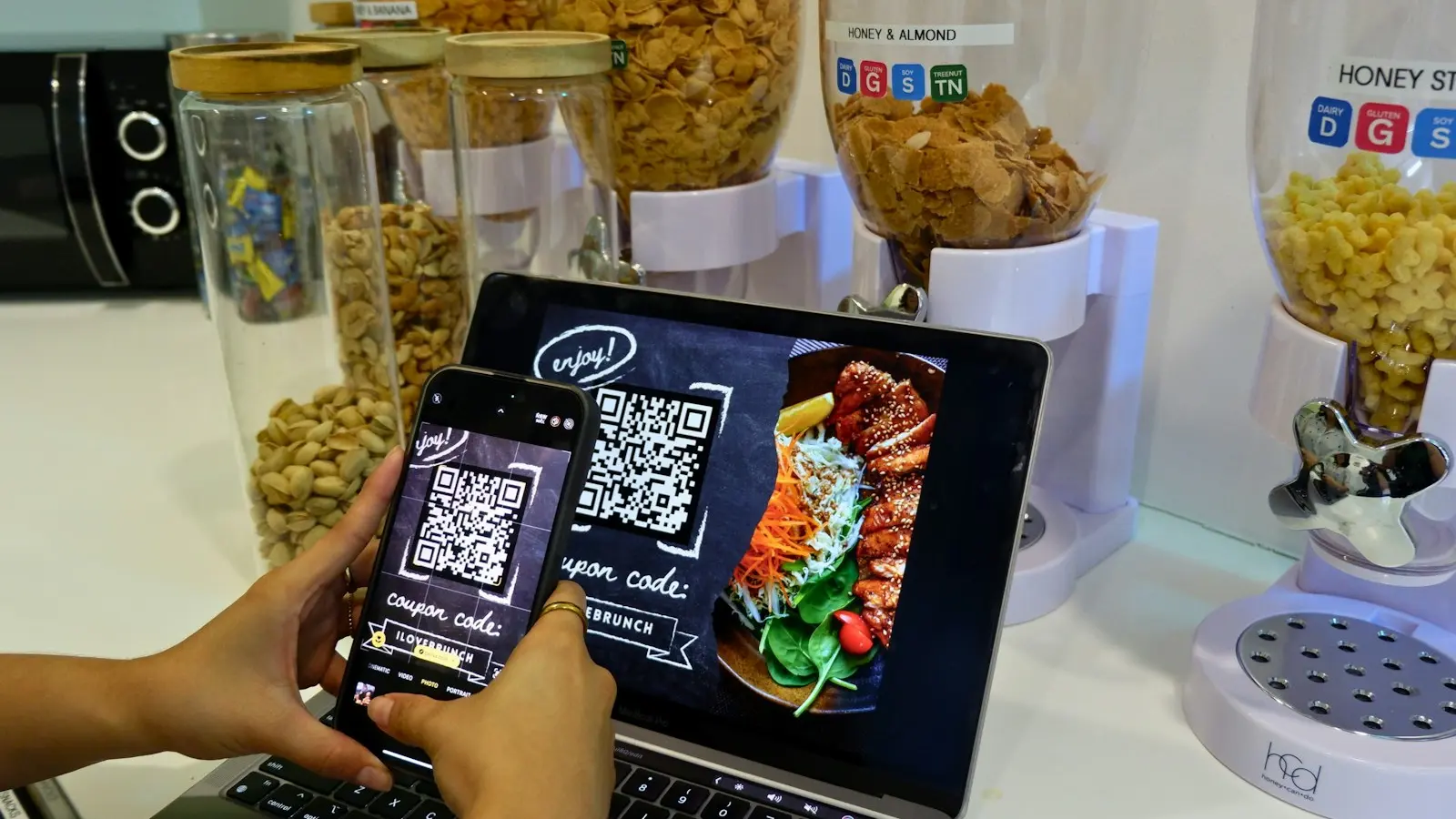
Put it where guests are sitting
Guests scan the code while seated, so put it within easy reach of the table. A small stand or table tent works better than a sticker on the wall across the room. Keep it at eye level when someone is seated, and away from the edge where it can be knocked over.
Make it easy to scan
- Print it large enough to scan from a seated position. Test it with your own phone from a chair before you print a batch.
- Avoid glare. Glossy surfaces and strong lights can make the code hard for cameras to read. A matte finish helps.
- Keep it clean and dry. Cafés and restaurants have spills. Use a plastic sleeve or laminate the stand.
Add a clear call to action
A QR code on its own can look like a decoration. Add a short line next to it, such as "Scan to see our menu," and, for bilingual guests, add the same line in Arabic.
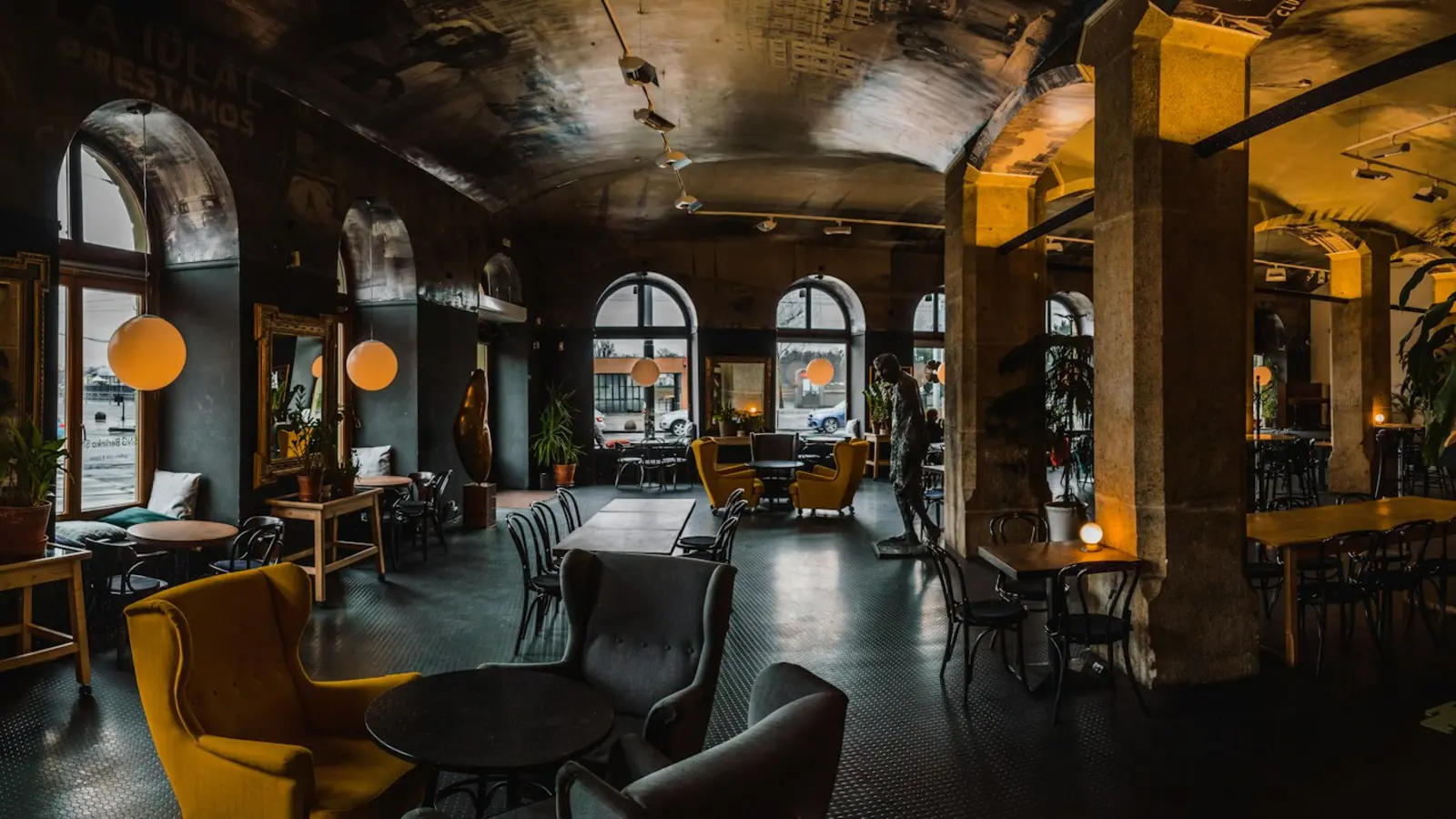
Use the counter, entrance and window too
Takeaway guests and people waiting for a table do not sit at your tables. Put a code near the counter, at the entrance or in the window facing the street, so passers-by can see your menu before they walk in.
Test before you print
- Scan the code from a few different distances and angles.
- Try it on both Android and iPhone.
- Open the menu on mobile data to check how quickly it loads.
- Customize the design of your menu in the editor, so the page matches the code and your brand.
Keep the same code
Once the code is printed and placed, keep it. Updating the menu does not change the QR code, so the stands on your tables keep working when you change prices or products. You can always download the code again from Qaima if you need a new copy.
Photos: Marielle Ursua and Sebastian Schuppik on Unsplash.