
How a cart on your QR menu works

A printed menu tells guests what you sell. A QR menu with a cart lets them choose, count and total their selection before they reach the counter or call the waiter.
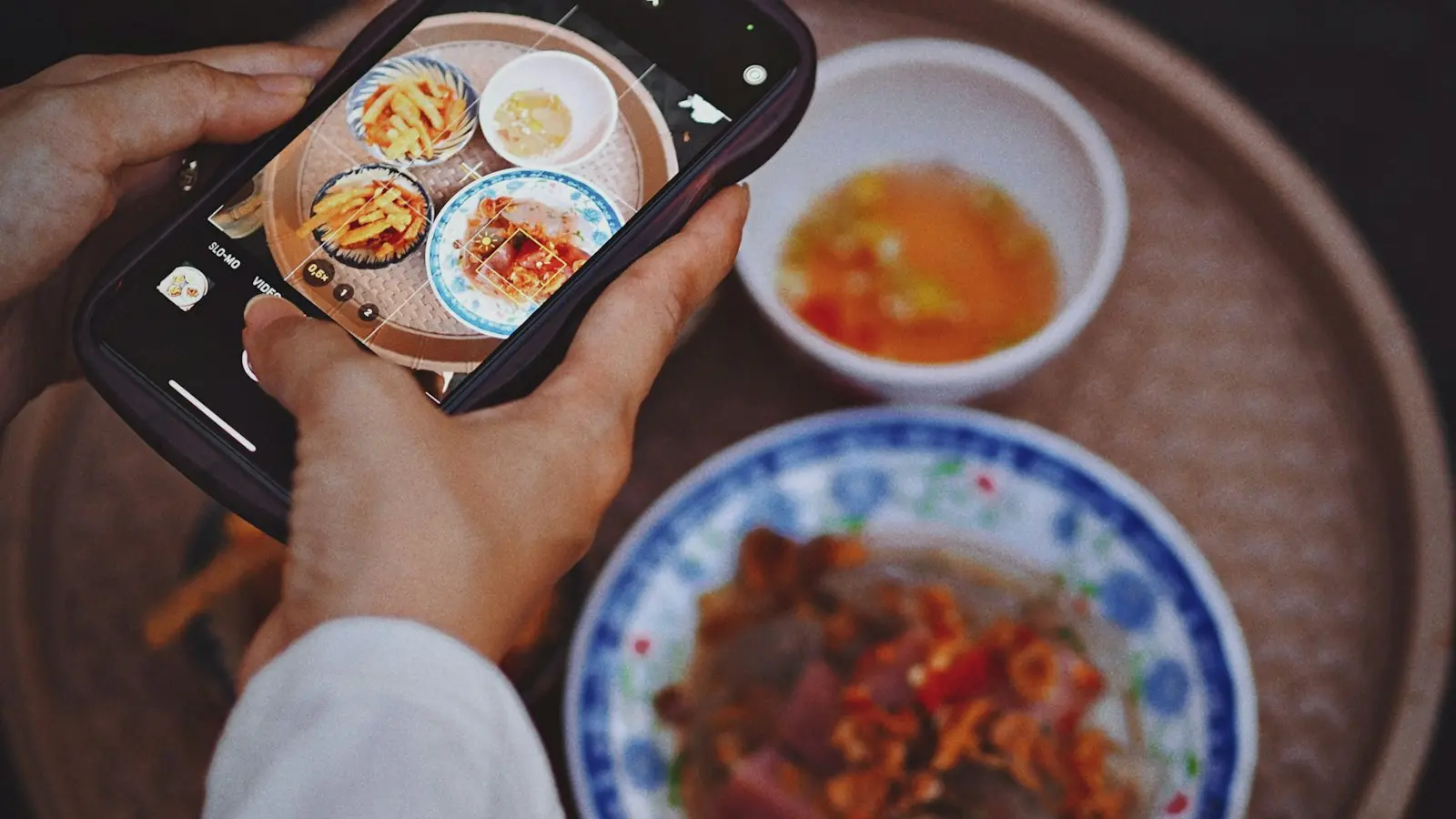
How the cart works for guests
- Scan the QR code to open the menu.
- Tap Add to cart on any dish. If a dish has more than one option, the guest picks the one they want first.
- Open the cart to change quantities. The total updates as they go.
- Clear the cart to start again.
A cart bar shows how many items are in the cart, so guests always know where they stand.
What the cart remembers
The cart is saved in the guest's browser, separately for each menu. If the guest closes the page and comes back on the same phone, their selection is still there. The cart does not sync to other devices.
Prices always come from your menu
Qaima stores only the dishes and quantities in the browser, not prices. When you change a price in the editor, the cart shows the new price. If you remove a dish, it disappears from the cart, so guests never see a stale price from an old menu.
What the cart does not do yet
The cart does not send orders to your kitchen and does not take payment. Use it to help guests choose and see their total, and confirm the order with your team as you do today.
Who it is for
- Cafés with a short menu, where guests want to see the prices before they order.
- Restaurants with many options, where guests want time to decide before the waiter comes.
- Guests who like to plan, who can build their selection while the rest of the table is still talking.
Request early access to try the cart on your menu.
Photo: Trương Tuyết Ly on Unsplash.