
QR menus for cafés in Libya: a simple guide

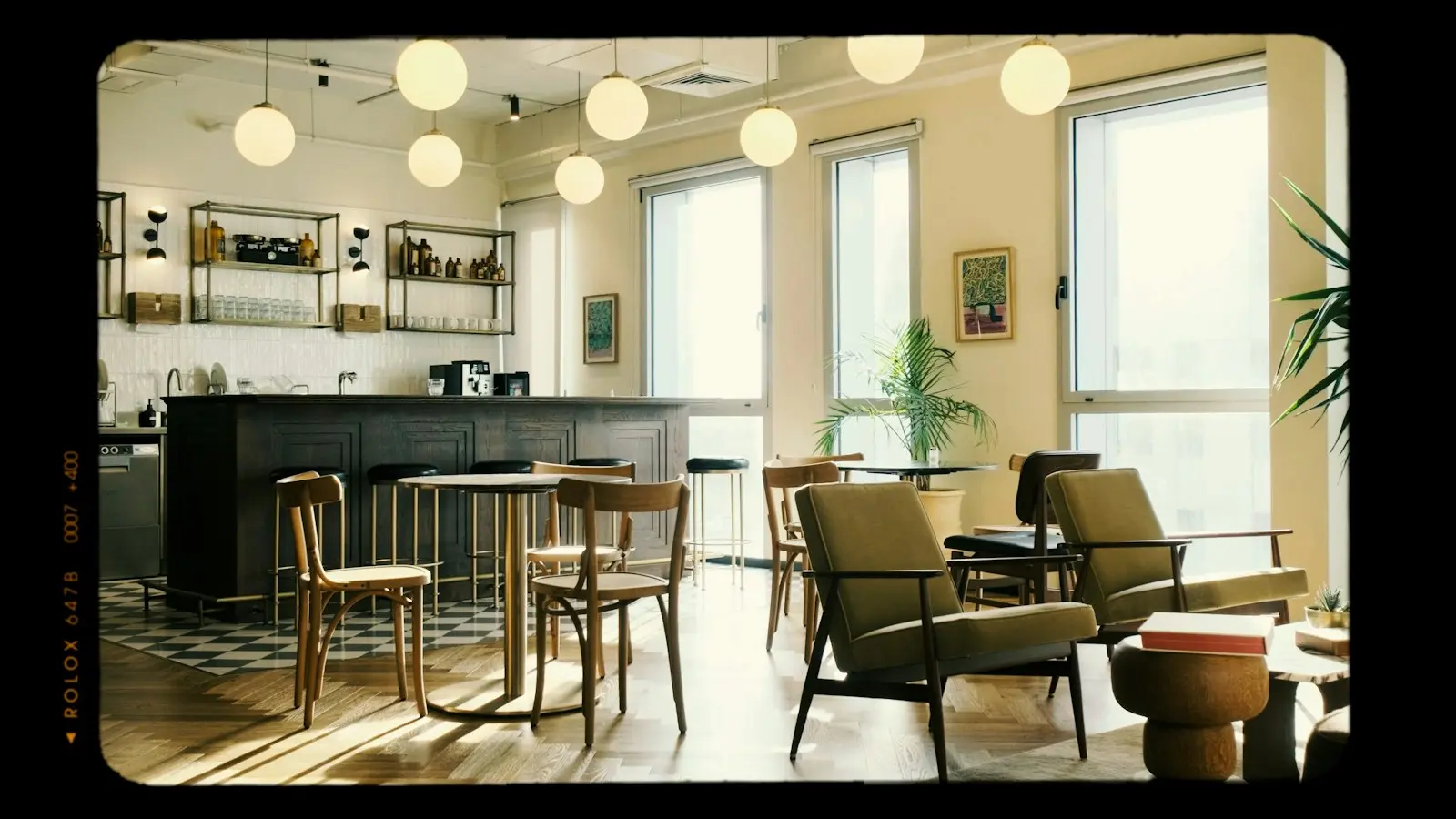
Walk into a busy café in Tripoli or Benghazi and you will often see the same scene: a guest holding a phone, a printed menu with last season's prices, and a waiter hurrying between tables. A QR menu removes most of that friction.
What is a QR menu?
A QR menu is a digital version of your menu. You publish it once, and your guests open it in their phone's browser by scanning a QR code. Guests don't need to download an app.
Why cafés are switching
Cafés change their offer often: seasonal drinks, daily pastries, a new blend, a weekend special. Every change on a printed menu means a reprint. A QR menu lets you:
- Update prices and items in minutes from your browser, without reprinting anything.
- Keep one QR code on the table. The code stays the same even when the menu changes.
- Share the link on Instagram, Facebook or WhatsApp, so people can see your menu before they visit.
- Match your brand. Adjust colors, add photos and label allergens.
How to set one up with Qaima
- Add your café details: name, opening hours and social links.
- Add your menu. Type items one by one, or upload a photo or PDF of your printed menu and let AI detect the dishes, prices and descriptions.
- Translate the menu if your guests speak more than one language.
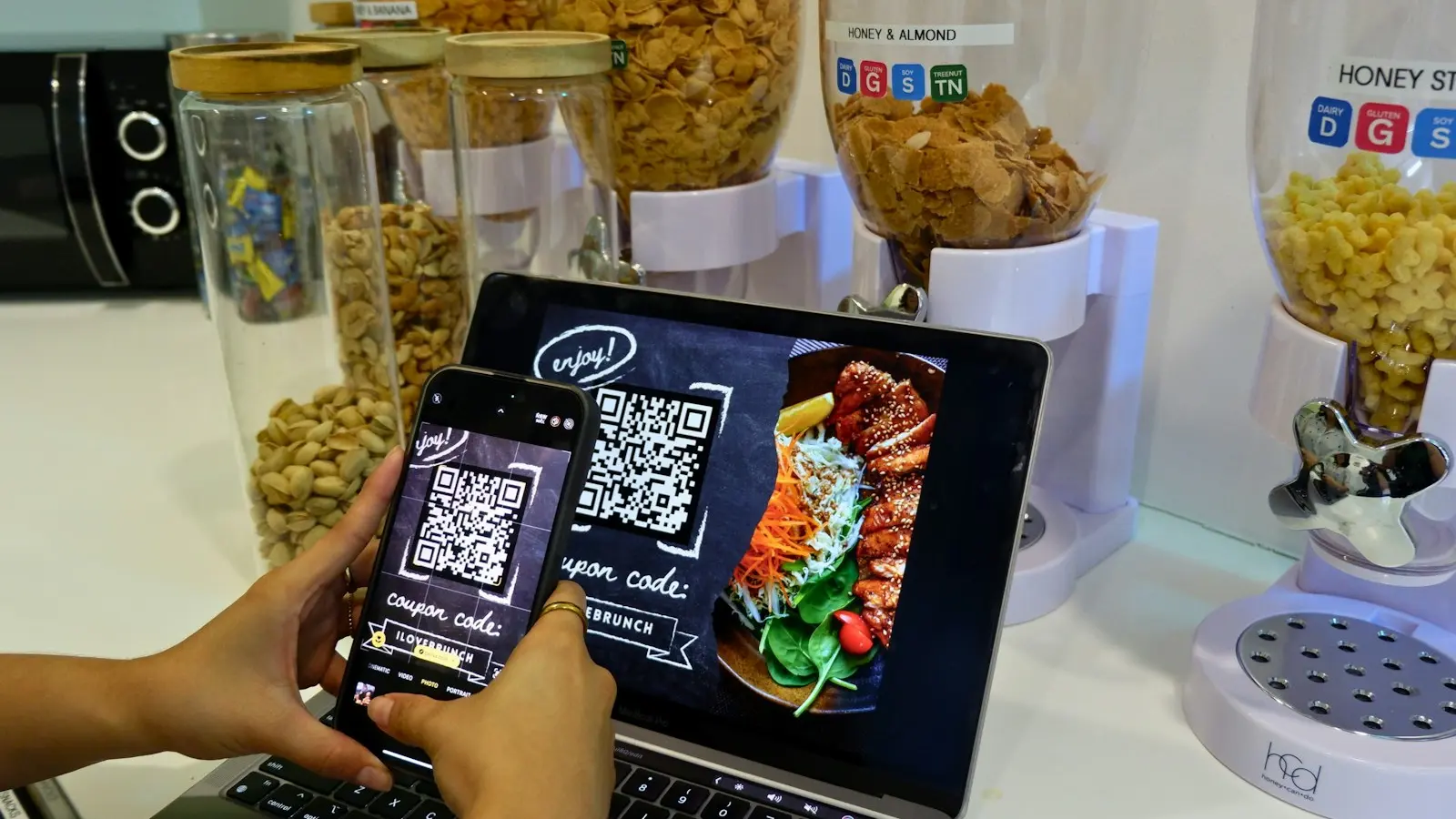
- Download your QR code and print it for tables, the counter or the window.
Tips for a QR menu guests actually use
- Put the code at eye level on the table, in a small stand, not on the back of a chair.
- Add photos of your best sellers. Guests order what they can see.
- Mark allergens clearly. Many guests ask about them before they order.
- Open your menu on your own phone, on mobile data, before you print. It should load quickly.
Start for free
Qaima's free plan lets you publish your first menu with up to 10 products at no cost, and you can customize its design. A café with a short menu can go live the same day. Request early access to get started.
Photos: Vladimir Visotsky and Marielle Ursua on Unsplash.